On this page
Obscurity used to be a security feature
Your plugin used to be safe because nobody could be bothered to look at it. That protection is gone.
For most of WordPress’s history, a small plugin with a few thousand installs was a poor target. Finding a hole meant reading someone else’s PHP line by line, and the payoff was a few thousand sites. Attackers spent that effort on the big plugins. Everyone else got a quiet kind of safety that never appeared in any threat model, because nobody did anything to earn it. It was just economics.
The numbers for 2025 say that era is over. The WordPress ecosystem picked up 11,334 new vulnerabilities, up 42% in a year. 91% of them were in plugins. 46% had no patch on the day they went public.
I co-own ANPS Themes, so this isn’t commentary on other people’s code. It’s the problem every plugin and theme seller has now, us included.
Five hours from disclosure to mass exploitation
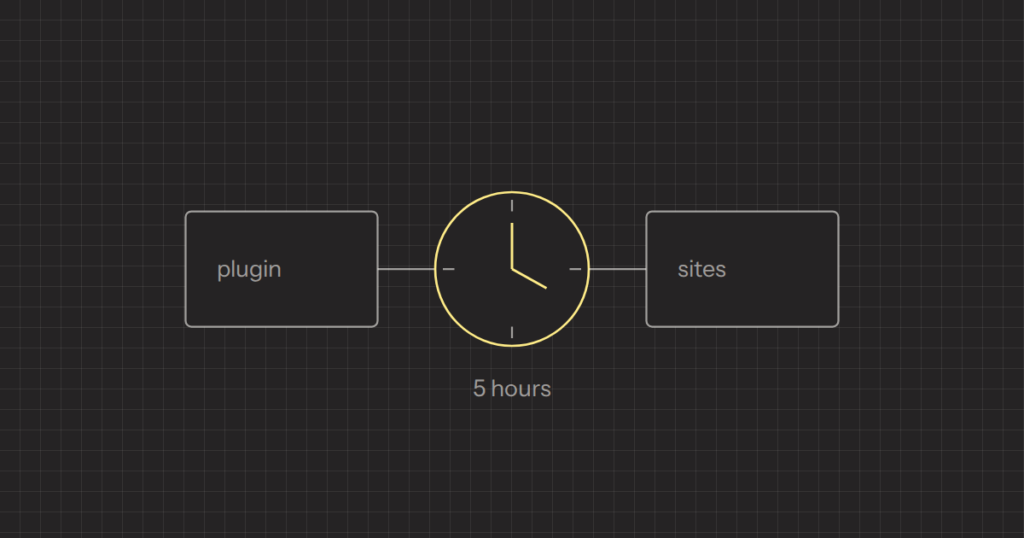
Then the clock starts. Patchstack measured the median time from disclosure to mass exploitation, for the heavily targeted vulnerabilities, at five hours. Five hours. Not five days.
Put those numbers together. Almost half of the disclosed holes had no fix when they became public, and for the ones attackers care about, half are being exploited at scale within five hours. A vendor who reads the report on a Friday evening and plans to look at it on Monday has already lost.
Five hours is also shorter than the release process at plenty of small plugin and theme shops. Someone fixes the bug, someone else tests it on a few demo sites, someone builds the zip by hand, someone uploads it, and on some marketplaces the update then waits for approval. Each step is reasonable. Together they take days.
What AI changed: obscurity and time
AI didn’t invent this. It removed the two things that used to protect small software: obscurity and time.
Reading 40,000 lines of someone else’s PHP hunting for one unsanitised input used to be slow work that only paid off against big targets. Now it’s cheap, fast, and it runs against every plugin in the directory at once.
Time goes the same way. A security release is a diff, and a diff points straight at the bug. Comparing the vulnerable and fixed versions and turning the difference into a working exploit was already routine. Cheaper code reading makes it faster, which helps explain why the window after disclosure is now measured in hours.
None of this needs a new kind of bug. The holes are the ones WordPress has always had: a wp_ajax_ action with no capability check, a REST route whose permission_callback is __return_true, output echoed without escaping, a query built from $_GET. What changed is the cost of finding them. It’s the same pattern I described in AI slop is not new: AI didn’t create the problem, it made it faster and cheaper.
Your release speed is your security posture
So the question stopped being “is our code clean”. It’s “how fast can we ship, and how fast do our customers actually update”. If you sell plugins or themes, that’s your real security posture. Not your code review.
Code review still matters. It decides how many vulnerability reports you get. It doesn’t decide what happens after one arrives, and at this volume, one will arrive. We review security-sensitive paths by hand on every project, as I described in how we ship AI-assisted code, and that still isn’t enough on its own. What decides the next five hours is boring infrastructure:
- A reachable security contact. A published address or form, checked every day, with a named person behind it. Researchers and vulnerability databases usually try the vendor before going public. If nobody answers, the report goes out without a fix.
- A release you can cut in under an hour. Version bump, build, changelog and upload, all scripted. If shipping a one-line fix needs the one person who knows how the zip is assembled, that person is your vulnerability.
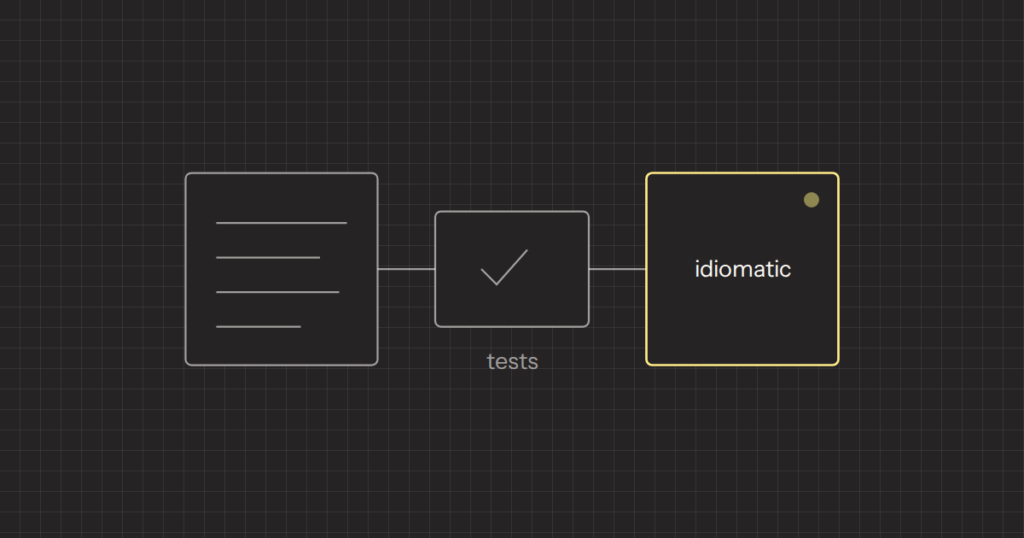
- Tests on the paths that take input. Not full coverage. Enough automated checks on forms, AJAX actions and REST routes that you can ship a security fix without a day of clicking around demo sites.
- A short list of supported versions. Every old major version you still promise to patch is another release to cut under pressure. Decide how many you support and say so publicly.
- A rehearsal. Push a harmless change through the whole emergency path once and time it. Most teams find the slow step only on the day they need speed.
The other half: how fast customers update
A fix that ships in two hours and gets installed in two months protects nobody for two months. This is the number most vendors never look at.
On WordPress, updating is the site owner’s decision. Since WordPress 5.5, owners can turn on automatic updates per plugin and per theme, but it’s opt-in and many never touch it. Premium products sold outside WordPress.org have it harder: updates usually depend on a licence key being entered and still valid, and themes often bundle third-party plugins that only update when the theme does.
Most of what slows updates down is in the vendor’s hands:
- Updates that break sites. One bad release teaches customers to wait. Every breaking change you ship makes your next security fix slower to land.
- Security fixes behind a licence check. If a lapsed licence blocks a security release, sites stay vulnerable with your name on them. Decide deliberately whether security releases reach everyone.
- Bundled plugins pinned to the theme. If your theme ships a slider or page builder, its vulnerabilities are yours, on your release schedule. Ship their fixes as fast as your own.
- Changelogs that say “bug fixes”. Say a release contains a security fix and how serious it is. Site owners prioritise what they can see, and attackers can read the diff whatever your changelog says.
Measure the two numbers that matter
Track time to fix and adoption for every security release. They are cheap to collect and they tell you more than any audit report.
| What it measures | Where to get it | |
|---|---|---|
| Time to fix | Report received to patched release available | Your inbox and release history |
| Adoption at 24 hours | Share of active installs on the fixed version a day later | WordPress.org active version stats, or your update server logs |
| Adoption at 7 days | How long the vulnerable tail is | Same sources, a week later |
If you run your own update server for a premium product, you probably already have the data: update checks usually send the installed version. Plot it after each release. Then put the curve next to the five hours. The gap between them is your exposure, and most of it isn’t in your code.
Firewall products from security vendors can block some known exploits before customers update. That helps the customers who run them. It isn’t a plan for the ones who don’t.
Start with the emergency path, not another audit
If I had one week to improve the security of a plugin or theme business, I wouldn’t spend it on another code audit. I’d time the emergency release path and fix the slowest step. I’d publish a security contact and make sure someone reads it. I’d find out what share of customers are on the latest version, and why the rest aren’t.
Then I’d read the input-handling code, starting with AJAX actions and REST routes, because that’s exactly what the automated tools are reading. They have already started. The only question is whether you finish first.
We build and review plugins, themes and blocks as part of our WordPress development work. If you want a second pair of eyes on your release path or your input handling, send us a short brief.
Frequently asked questions
How quickly are WordPress plugin vulnerabilities exploited after disclosure?
Patchstack measured the median time from disclosure to mass exploitation at five hours for heavily targeted vulnerabilities. In 2025, 46% of new WordPress vulnerabilities had no patch on the day they went public. Vendors need to be able to ship a fix within hours, not days.
Why are small WordPress plugins being targeted now?
Small plugins used to be protected by obscurity: reading their code for a single flaw was slow work that only paid off against big targets. AI tools have made that code reading cheap and fast, so it now runs against every plugin at once. The bugs are the same old ones, but finding them costs very little.
How can plugin and theme vendors get customers to update faster?
Avoid breaking changes so customers trust updates, label security releases clearly in the changelog, and make sure security fixes are not blocked by an expired licence. Ship fixes for bundled third-party plugins as fast as your own. Measure the share of installs on the fixed version after 24 hours and 7 days to see whether it is working.
Should I turn on automatic updates for WordPress plugins?
Automatic updates close the gap between a security fix being released and it being installed, which matters when exploitation can start within hours. The trade-off is that a bad release can break the site without warning. Keep backups, and prefer plugins whose vendors have a record of stable releases.